Unlock darkmode features for efficiency
Battery Saving Mode
Extend battery life and reduce power with an efficient dark mode experience.
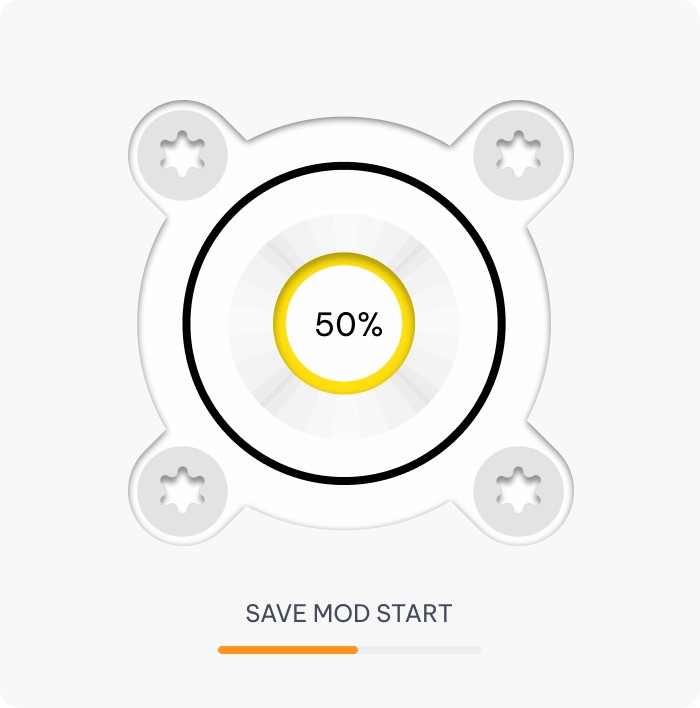
Customizable Dark Themes
Personalize your workspace with flexible, efficient, and easy-to-edit dark theme options.
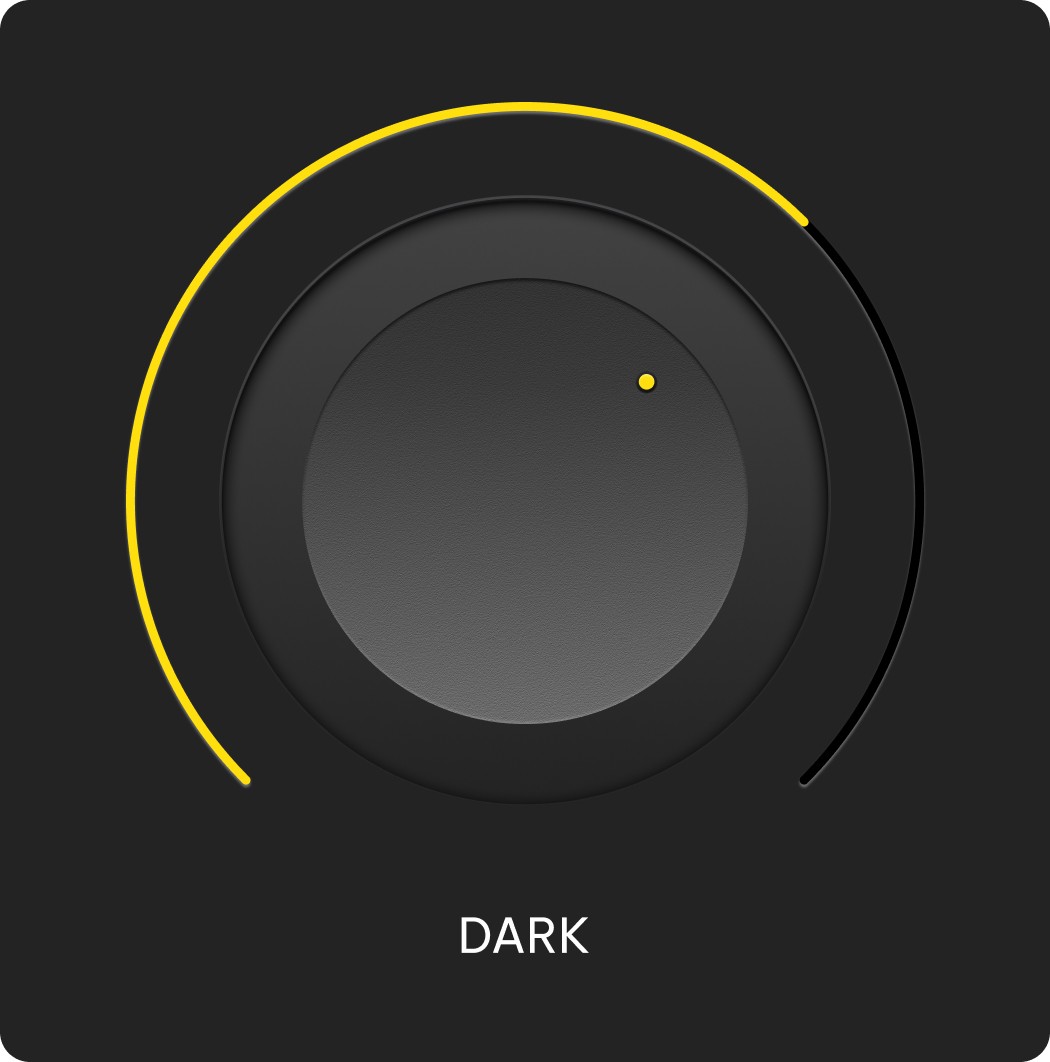
High Contrast Modes
Improve visibility and reduce eye strain with clear, bold high contrast display settings.
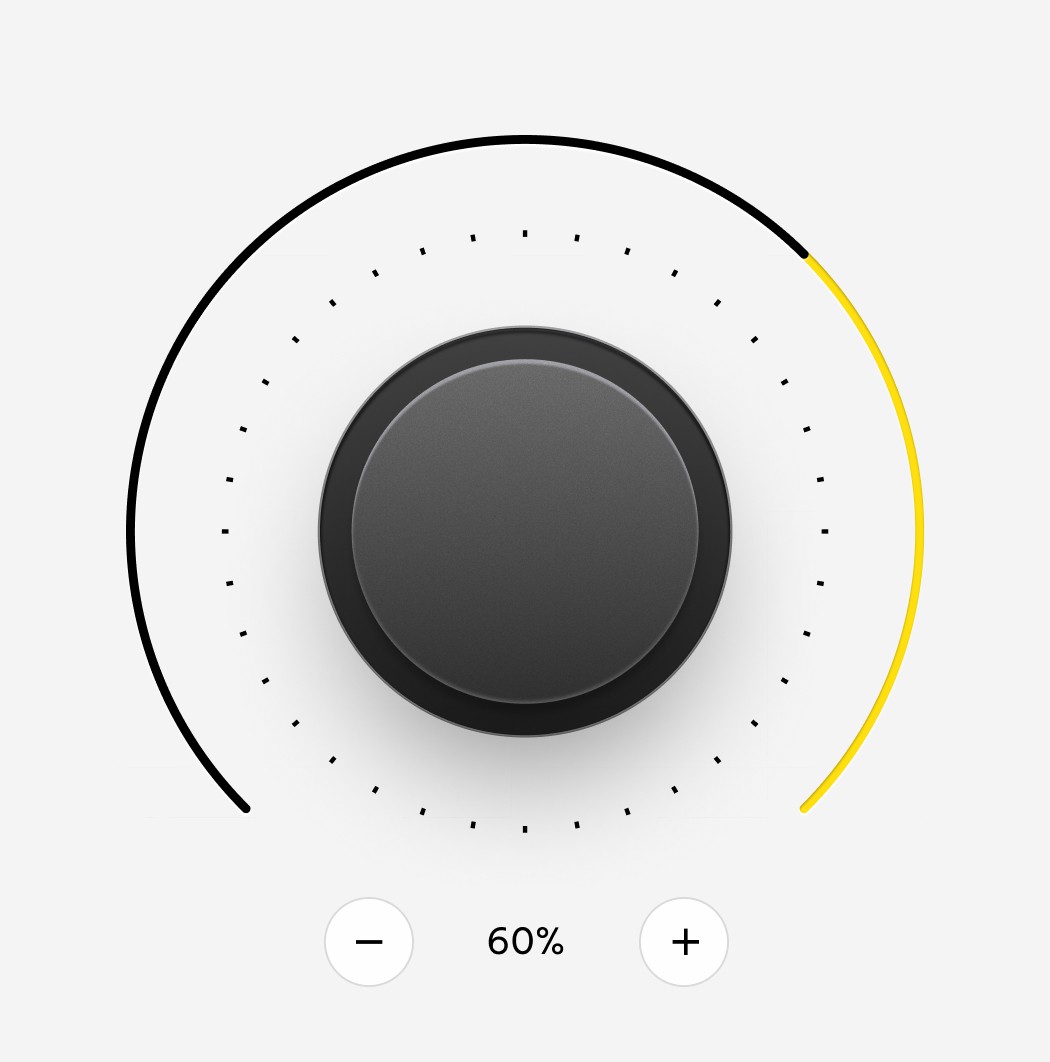
Seamless User Experience
Enjoy smooth navigation and consistent design with an interface built for seamless user experience.
User



Unlock darkmode features for efficiency
Battery Saving Mode
Extend battery life and reduce power with an efficient dark mode experience.
Customizable Dark Themes
Personalize your workspace with flexible, efficient, and easy-to-edit dark theme options.
High Contrast Modes
Improve visibility and reduce eye strain with clear, bold high contrast display settings.
Seamless User Experience
Enjoy smooth navigation and consistent design with an interface built for seamless user experience.
User
Unlock darkmode features for efficiency
Battery Saving Mode
Extend battery life and reduce power with an efficient dark mode experience.
Customizable Dark Themes
Personalize your workspace with flexible, efficient, and easy-to-edit dark theme options.
High Contrast Modes
Improve visibility and reduce eye strain with clear, bold high contrast display settings.
Seamless User Experience
Enjoy smooth navigation and consistent design with an interface built for seamless user experience.
User
Streamlining your workflow with ease
01
Discover Needs
Identify user goals and pain points to guide product direction.
02
Plan Strategy
Define objectives, prioritize features, and align the roadmap.
03
Design Interface
Create intuitive layouts and visuals tailored to user behavior.
Streamlining your workflow with ease
01
Discover Needs
Identify user goals and pain points to guide product direction.
02
Plan Strategy
Define objectives, prioritize features, and align the roadmap.
03
Design Interface
Create intuitive layouts and visuals tailored to user behavior.
Streamlining your workflow with ease
01
Discover Needs
Identify user goals and pain points to guide product direction.
02
Plan Strategy
Define objectives, prioritize features, and align the roadmap.
03
Design Interface
Create intuitive layouts and visuals tailored to user behavior.
Features That Empower Productivity
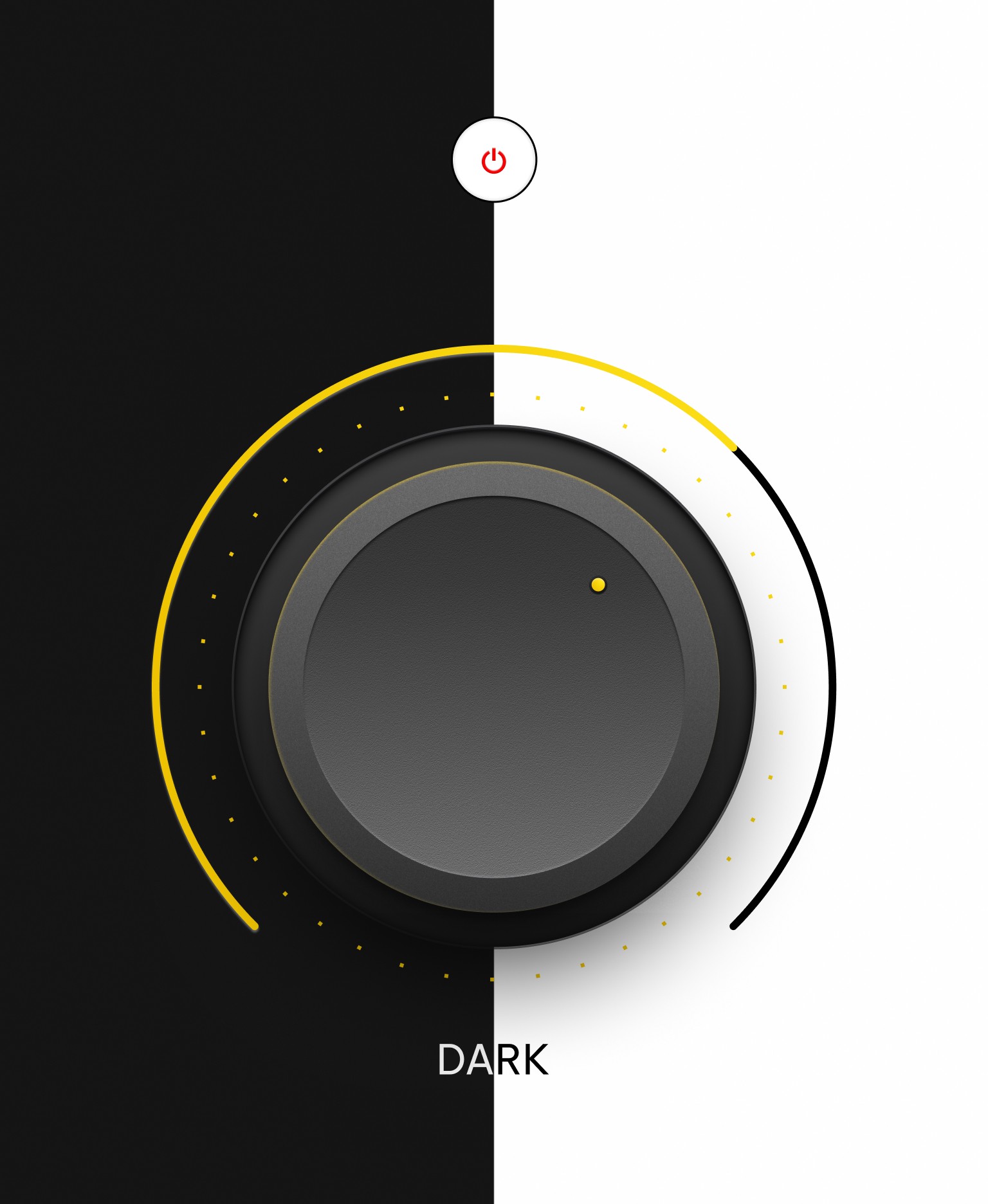
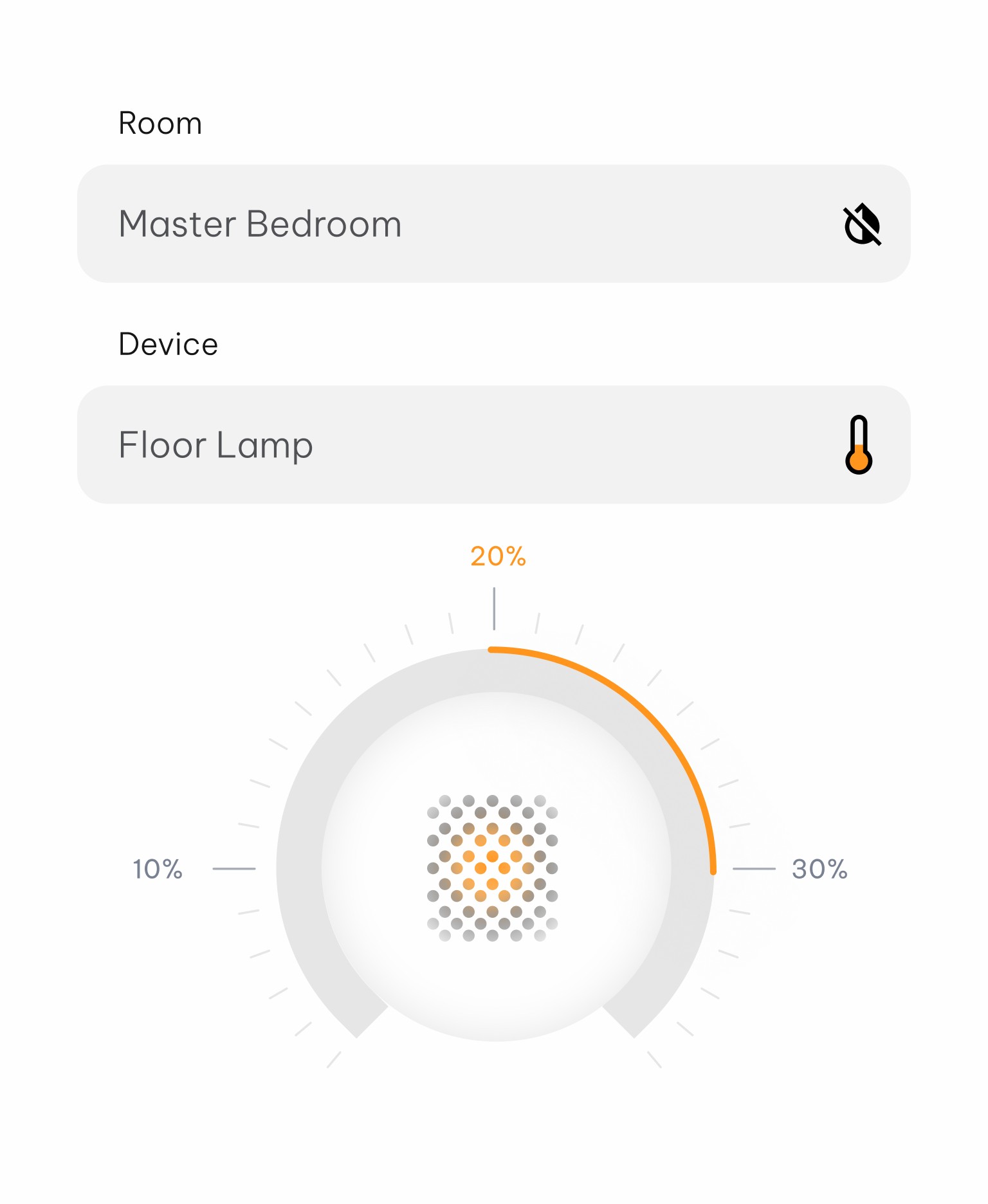
Dark Mode Efficiency
Save energy and stay focused with low-power, high-performance visuals.
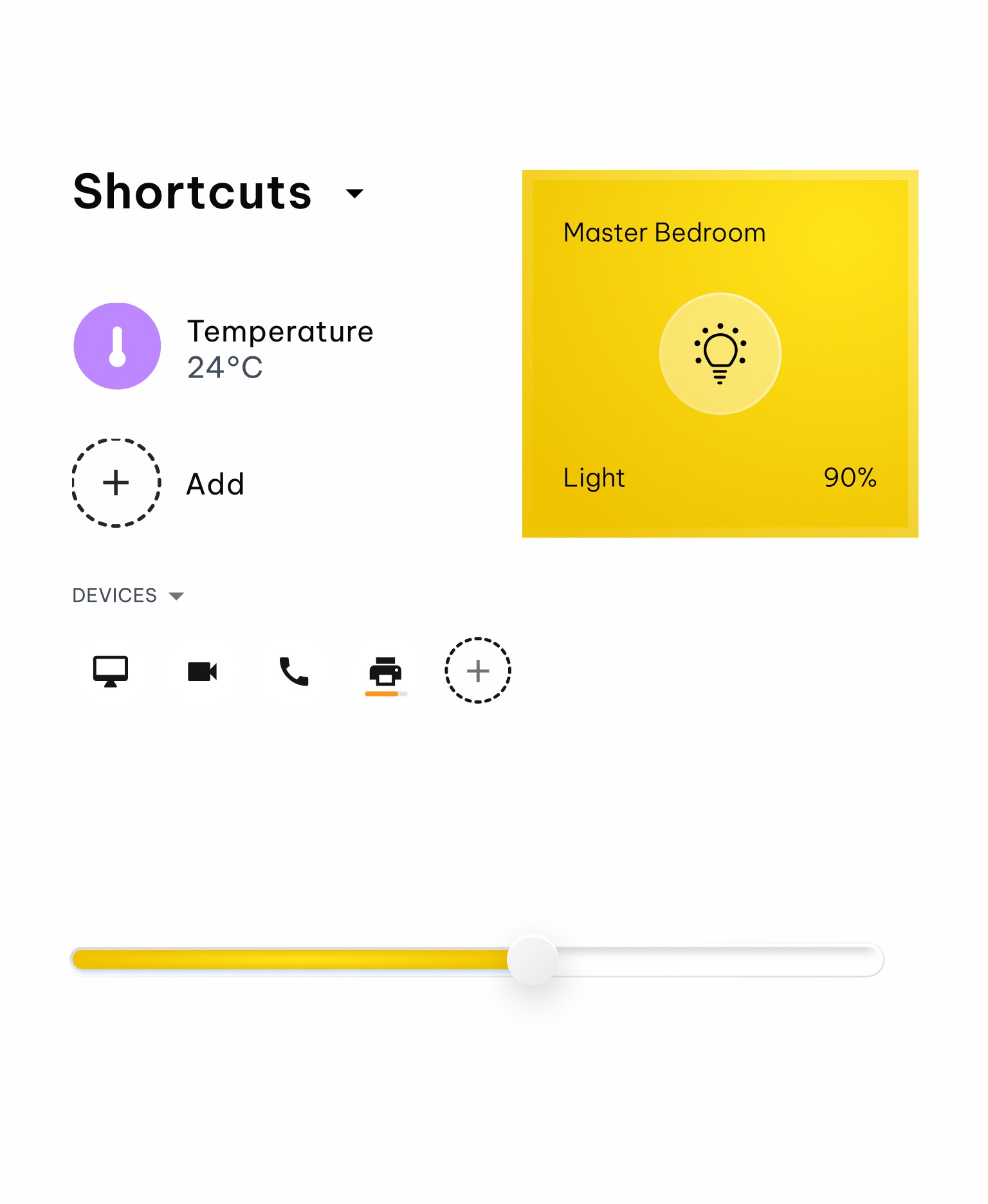
Streamline Navigation
Navigate with ease through a clean, intuitive, and responsive interface.
Visual Comfort
Reduce strain and improve clarity with balanced contrast and smooth design.
Features That Empower Productivity
Dark Mode Efficiency
Save energy and stay focused with low-power, high-performance visuals.
Streamline Navigation
Navigate with ease through a clean, intuitive, and responsive interface.
Visual Comfort
Reduce strain and improve clarity with balanced contrast and smooth design.
Features That Empower Productivity
Dark Mode Efficiency
Save energy and stay focused with low-power, high-performance visuals.
Streamline Navigation
Navigate with ease through a clean, intuitive, and responsive interface.
Visual Comfort
Reduce strain and improve clarity with balanced contrast and smooth design.




Explore all dark mode software features
Adaptive Brightness
Automatically adjusts screen lighting for optimal viewing in any environment, day or night.
Smooth Navigation
Experience effortless movement through features with a responsive, user-friendly layout design.
Theme Switching
Easily toggle between custom themes to match your mood, task, or time of day.
Enhanced Visual
Enjoy sharper details and cleaner contrasts for a more immersive, visually rich display.
Custom Color
Personalize your interface with flexible color options that suit your style and workflow.
Minimalistic Design
Stay focused and productive with a clean, clutter-free interface built for daily efficiency.
Explore all dark mode software features
Adaptive Brightness
Automatically adjusts screen lighting for optimal viewing in any environment, day or night.
Smooth Navigation
Experience effortless movement through features with a responsive, user-friendly layout design.
Theme Switching
Easily toggle between custom themes to match your mood, task, or time of day.
Enhanced Visual
Enjoy sharper details and cleaner contrasts for a more immersive, visually rich display.
Custom Color
Personalize your interface with flexible color options that suit your style and workflow.
Minimalistic Design
Stay focused and productive with a clean, clutter-free interface built for daily efficiency.
Explore all dark mode software features
Adaptive Brightness
Automatically adjusts screen lighting for optimal viewing in any environment, day or night.
Smooth Navigation
Experience effortless movement through features with a responsive, user-friendly layout design.
Theme Switching
Easily toggle between custom themes to match your mood, task, or time of day.
Enhanced Visual
Enjoy sharper details and cleaner contrasts for a more immersive, visually rich display.
Custom Color
Personalize your interface with flexible color options that suit your style and workflow.
Minimalistic Design
Stay focused and productive with a clean, clutter-free interface built for daily efficiency.